
How to Uninstall Equalizer APO (and Get Normal Sound Back)
Remove Equalizer APO cleanly in 4 steps: back up your presets, uninstall, restart and delete leftovers, plus what to do if sound is not normal afterwards.
Remove Equalizer APO cleanly in 4 steps: back up your presets, uninstall, restart and delete leftovers, plus what to do if sound is not normal afterwards.
Equalizer APO setup blocked or failing? Match your error to one of 9 fixes: SmartScreen, antivirus, wrong build, S mode, admin rights, old installs and registry errors.
Equalizer APO made your audio go silent? Run a 2-minute test, then fix the preamp, config.txt, install mode, audio enhancers or Bluetooth setup.
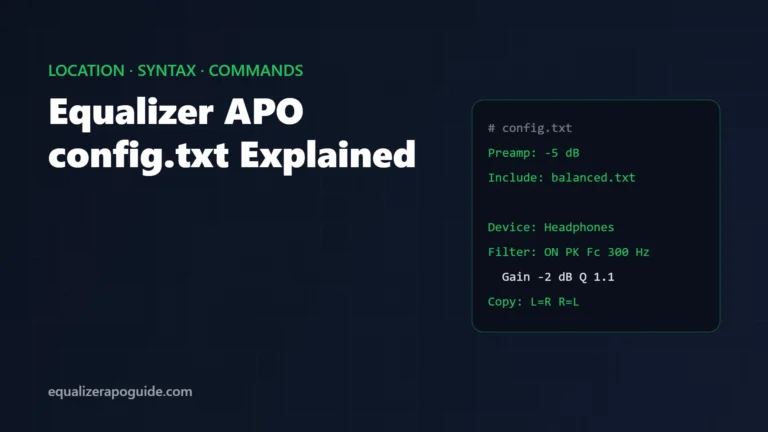
Where Equalizer APO config.txt lives, how each line works, and copy-paste examples for Preamp, Filter, Include, Device, Channel and Copy commands.
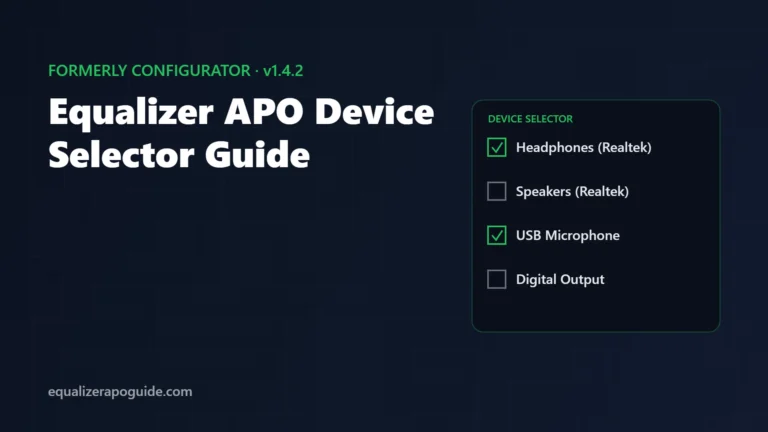
The Device Selector replaced the Configurator in Equalizer APO 1.4. Open it, add speakers or mics, run the install test, and fix the Peace C button.
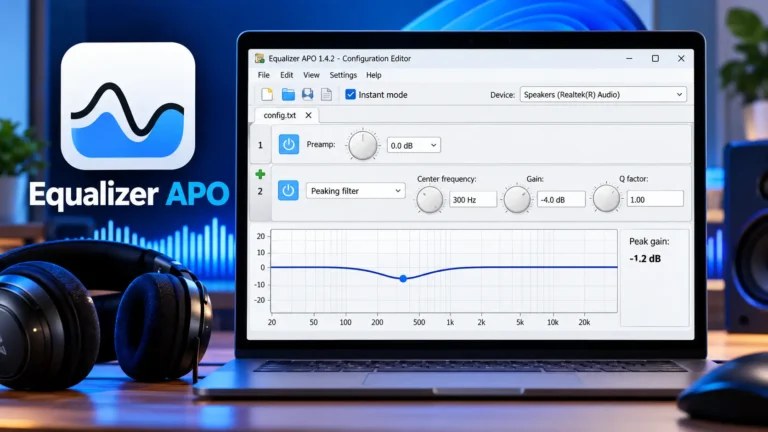
You installed it. You restarted. You opened the Configuration Editor, and it looked back at you: a config.txt tab, a line that says Include: example.txt, a flat graph, and a green plus icon hiding a long menu of filter types. No sliders. No “bass” button. Just Fc, Gain and Q. So you copied a preset…