Equalizer APO AutoEQ: Correct Your Headphones in 5 Minutes
Load an AutoEQ correction for your exact headphone model into Equalizer APO: generate the file, add one Include line, set the preamp and add your own taste on top.
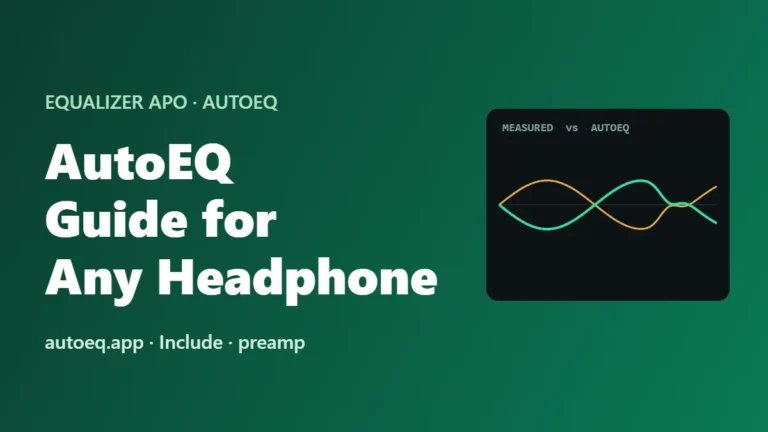
Load an AutoEQ correction for your exact headphone model into Equalizer APO: generate the file, add one Include line, set the preamp and add your own taste on top.
Remove Equalizer APO cleanly in 4 steps: back up your presets, uninstall, restart and delete leftovers, plus what to do if sound is not normal afterwards.
Equalizer APO setup blocked or failing? Match your error to one of 9 fixes: SmartScreen, antivirus, wrong build, S mode, admin rights, old installs and registry errors.
Mic EQ does nothing, or the mic went silent after installing Equalizer APO? Run a 1-minute test, then fix the capture device, privacy, enhancements or Bluetooth.
Equalizer APO made your audio go silent? Run a 2-minute test, then fix the preamp, config.txt, install mode, audio enhancers or Bluetooth setup.
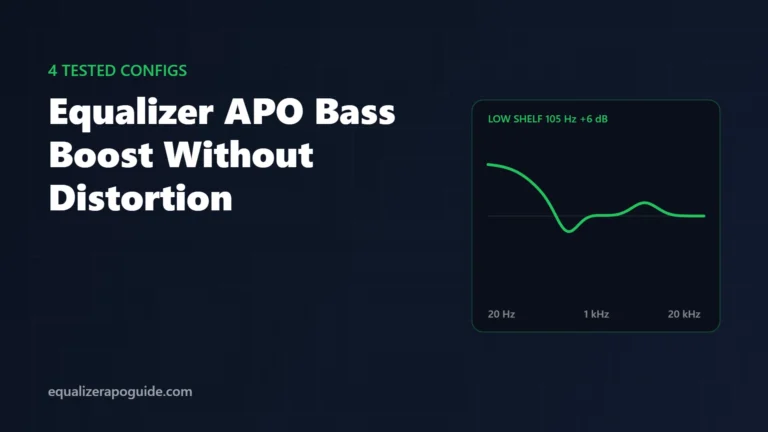
4 Equalizer APO bass boost configs tested on real headphones and speakers, plus the preamp rule that stops crackling and mud. Copy, paste, done.
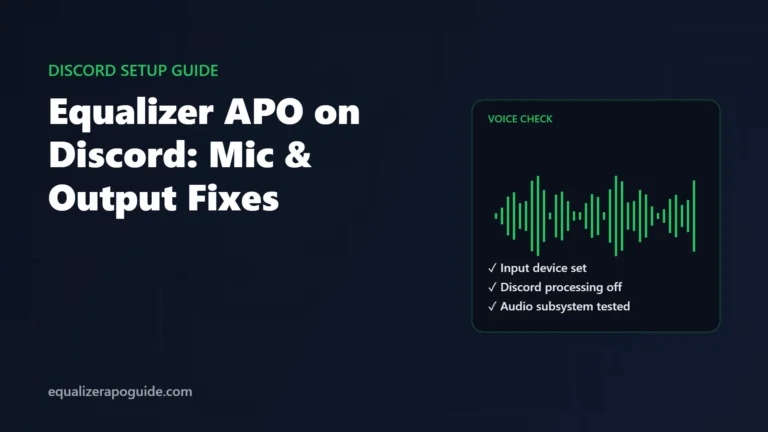
Make Equalizer APO work in Discord: pick the right devices, turn off the Discord processing that undoes your EQ, and fix audio subsystem and exclusive mode.
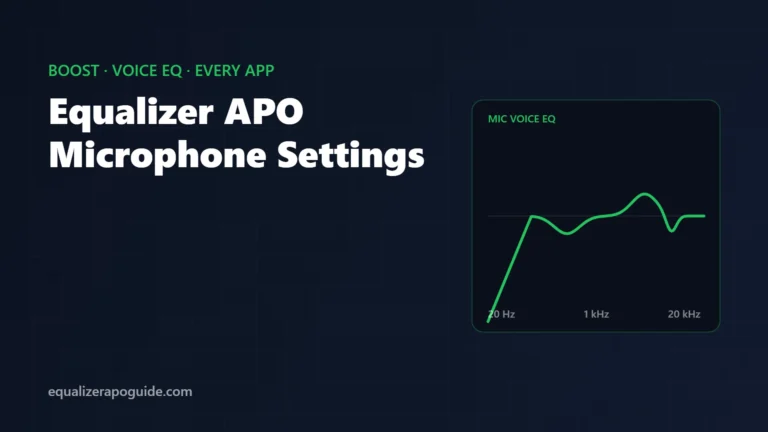
Install Equalizer APO on your mic, boost a quiet mic without clipping, and apply a clean voice EQ. Works in Discord, Zoom, OBS and every Windows app.
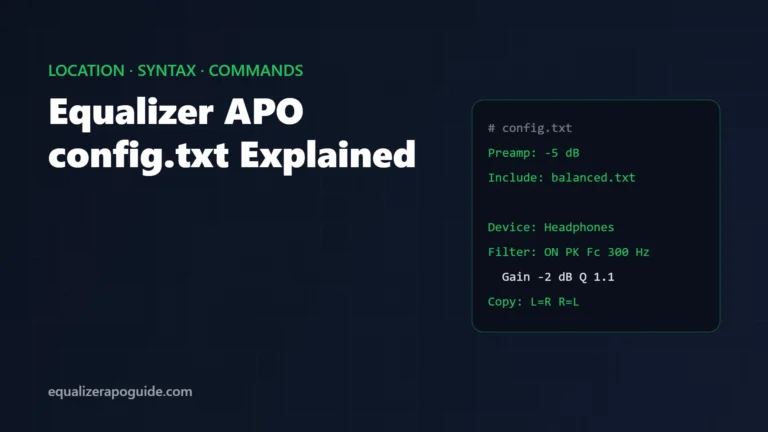
Where Equalizer APO config.txt lives, how each line works, and copy-paste examples for Preamp, Filter, Include, Device, Channel and Copy commands.
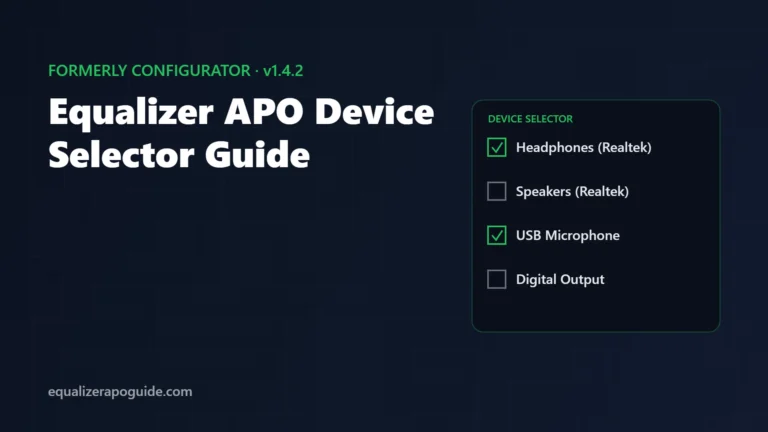
The Device Selector replaced the Configurator in Equalizer APO 1.4. Open it, add speakers or mics, run the install test, and fix the Peace C button.